

Back office — scheduling — tips — payroll
Payroll, tips and schedules share data
One dataset from the order to the paycheck — shifts, hours, tips and reports that managers already know how to read.
The one-line version
Scheduling, tips, hours and reporting are one rail
Toast Agent connects scheduling, time tracking, tips and reporting so the back office runs from one dataset. Toast markets payroll as part of its restaurant management stack and says managers can review hours and tips and run payroll in minutes. We set the rules, train your managers and stay with you through the first payroll — the week when every rule gets tested at once.
If you manage a high-tipping counter or a busy dining room, the value is not the payroll button. It is that a shift, a declared tip and a served plate are all written to the same record before payroll ever runs — so the number your manager approves is the number your staff recognises on the stub.
Scheduling that matches the floor
Rules entered the way your shifts actually run
We build roles, departments and overtime rules around the shifts you already write — not a template. Split shifts, minors' hour limits and break rules are entered per your state's practices, and schedules publish straight to staff phones.
Setup window: 5–7 days
Schedules publish to phones
Shifts appear on staff phones as soon as you publish, and the schedule stays the single source the floor checks before a shift starts.
Swap approvals
Shift swaps stay under manager approval so labor cost and coverage stay where you set them — the tool does not give the decision away.
Overtime and minors
Overtime thresholds, minors' hour limits and break rules are stated per your state practices so the schedule flags a problem before it reaches the payroll run.
Clocks, hours and edits
The punch is the start of the record
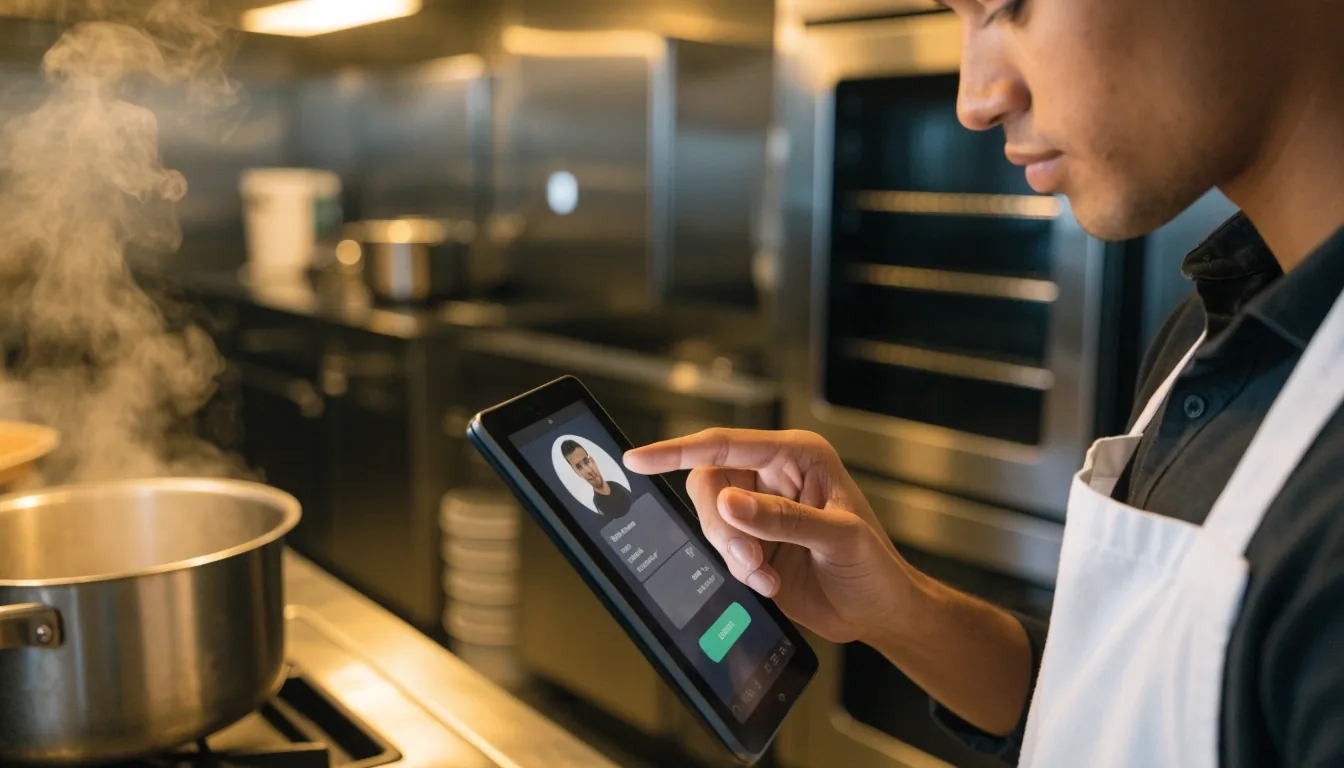
Clock-in controls prevent early punches and buddy punches. Missed punches and edits require manager approval with a note attached, so the reason for the change stays with the change.
Hours flow into payroll without retyping. For front-of-house heavy tipping houses in Miami Beach and Brickell, tip declarations are captured at clock-out — from the same screen the staff are already using to end the shift.
Tips without spreadsheet nightmares
Pooled or direct — decided before payroll runs
Toast says its payroll flow is connected to scheduling and tips management. We configure pooled versus direct tips, service-charge handling and payout timing so your house rules are the ones running — not the defaults.
Managers review tip reports by day and by employee before approving anything. Staff see pay stubs tied to shifts they recognise. When the tip pool, the hours and the schedule all come from one place, the arguments stop being about the numbers.
By day
Day-level tip totals against the shifts that generated them.
By employee
A per-person view a manager signs off on, not a spreadsheet rebuilt by hand.
Payout timing
Direct or pooled, set to the schedule your house already pays on.
Toast Payroll Suite in practice
Review, then run
Toast Payroll Suite sits in the same stack as the POS and reporting. Toast introduced Auto Payroll in its Spring 2026 release notes. We show your managers the review screen — hours, tips, bonuses and time off in one place — and then payroll runs after the review.
Checklists cover new hires and terminations, and the first payroll is done together, not alone. That first run is where a rule set in week one gets tested against a real week of shifts.
Hours
From the clock
Tips
Pooled or direct
Bonuses
Per house rule
Time off
Requested in the app, then approved by the manager
First run
Done side by side
Back-office reports managers open
Five reports, favourited so the rest can stay out of the way
Sales by hour, labor versus sales, comps and voids, menu mix — Toast says the platform pulls data into one command center. We favourite the five reports you will actually open and hide the rest, so the end-of-week review takes minutes and feeds the week you are about to schedule.
Permissions and cash control
Who can do what, set by role
Cash deposits, safe drops and blind closes are set by role. Multi-unit owners get location-level access without seeing every button. Clear permissions cut both errors and disputes.
Time edits
Who can change a punch, and what note they have to leave behind.
Comps and voids
Which roles can comp a check or void a line, and where it shows up.
Cash drawers
Drawer opens, safe drops and blind closes, tracked against the closing manager.
Reports
Who can pull sales and labor, and who only sees their own location.
Hiring and onboarding basics
New hire to offboard, in one file
New-hire packets, I-9 timing reminders, direct-deposit setup and role assignment all land in the same place. Seasonal hiring templates for summer patios and winter holidays save an afternoon each time the roster turns over, and offboarding steps revoke access the same day a shift ends.
Files stay organised for audits, and the same hire record that fed payroll still opens in a week, a season, or a year — without a hunt through filing cabinets.
Comparing back-office depth
Where the one-dataset angle helps most
Operators often weigh other platforms before committing. Lightspeed is evaluated on reporting and integration breadth, Revel on multi-location operational control, and Clover on hardware variety through its ecosystem. Toast's angle is one dataset running from the order to the paycheck, and it pays off most in a few specific rooms.
| Platform | What it is often weighed for | Where the one-dataset angle shows |
|---|---|---|
| Toast | One dataset from order to paycheck; scheduling, tips and payroll in the same stack. | High-tip houses, variable schedules, tight weekly labor targets. |
| Lightspeed | Reporting depth and integration breadth across the stack. | Teams that run many tools outside the POS and want them talking. |
| Revel | Multi-location operational control and centralized oversight. | Owners running several rooms under one operating standard. |
| Clover | Hardware variety through a broad device ecosystem. | Operators whose rooms favour different shapes of terminal at the counter. |
Questions managers ask
Before you commit the week
How do payroll, tips and scheduling connect in Toast?
Shifts and time entries feed tip and hour totals, which managers review in payroll connected to scheduling and tips management.
How long does back-office setup take?
Basic scheduling and tips setup fits inside the 5–7 day launch. Historical data cleanup for multiple locations can add days, and we will say so before we start.
What has to be ready before the first payroll run?
Employee records and pay rates, your tip pool and service-charge rules, and your overtime and break practices for the state you operate in. We collect those before setup, not during the run.
Closing the loop
Put the back office on the same rail as the orders
A back-office review with your own data takes an hour and shows exactly where scheduling, tips and payroll touch each other today — and where they don't. We are in Miami; call us or send us a line and we will walk you through it.