
Toast hardware setup / Terminals / Miami
Which Toast terminals belong on your counter?
Terminals, handhelds, kiosks, kitchen displays, printers and readers arrive staged, labeled and tested, so your kitchen is on Toast and serving in days.
Toast Agent / Hardware
Toast hardware, chosen for your floor plan and your volume
Toast Agent selects and installs Toast hardware for your floor plan and volume. Terminals, handhelds, kiosks, kitchen displays, printers and readers arrive staged, labeled and tested. Miami restaurants can request on-site installation. National clients receive pre-configured kits with guided setup. Call +1-305-555-0182 for a hardware list.
- Staged
- Every device opened, configured and tested before it reaches your counter.
- Labeled
- Cables and mounts marked to the station they belong to, so a swap is quick.
- Tested
- Payments, printing and offline mode run before service, not during it.
Counter terminals
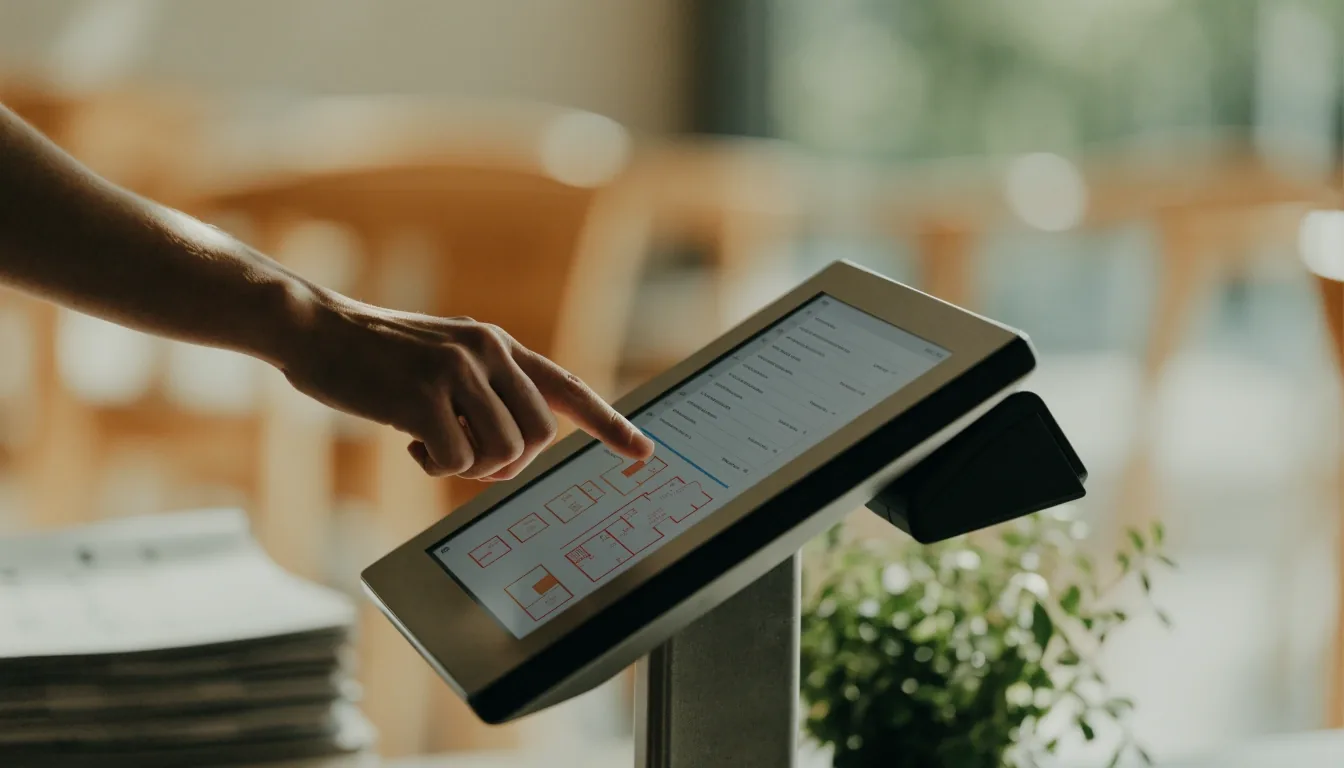
One terminal at the counter, placed where the cashier actually reaches
The main terminal handles orders, payments and close. We place it for cashier reach, receipt access and card-tap visibility, so the person working the counter is not stepping around the hardware mid-rush.
Bars
Two terminals keep the well from queueing when the room fills at once.
Quick service
A terminal paired with a customer-facing display confirms the order without a repeat.
Cash drawer
Wired to the terminal with a clean run, so the drawer opens on the right key.
Reader
Tap, chip and swipe checked at the counter before the first customer arrives.
Handhelds for tableside
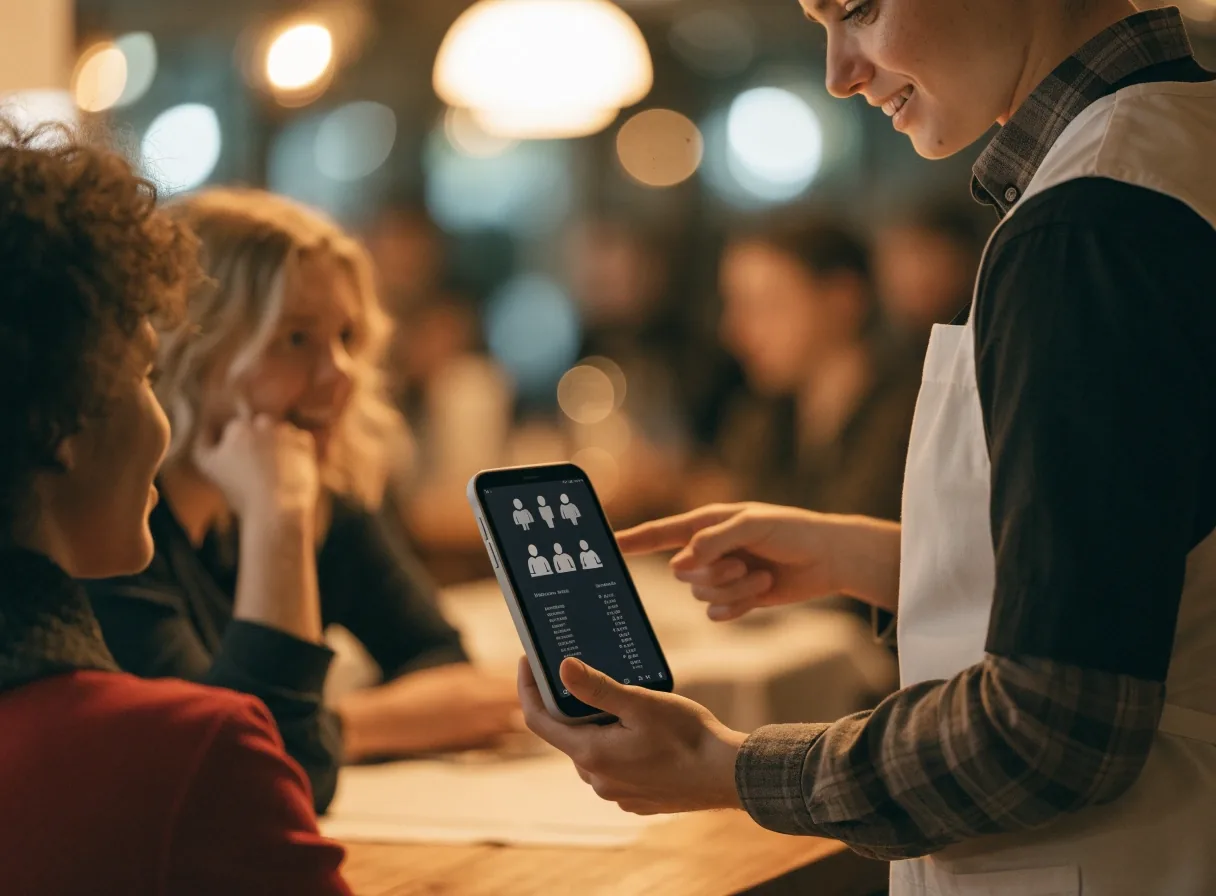
A tablet on the floor beats a trip to the counter
A tablet for the server cuts trips to the counter. We configure Toast handheld setup with your floor map, table numbers and payment flow, so the order lands in the kitchen while the guest is still talking.
- Before service
- Battery swap points and Wi-Fi checks prevent mid-shift drops. We walk the room with you to find where the signal is strong and where it is not.
- Staff practice
- Your team runs tableside tap, chip and split checks together before the first live table, on real orders, not on a demo.
Kiosks & kitchen gear
The lunch line moves, and the kitchen keeps up with it
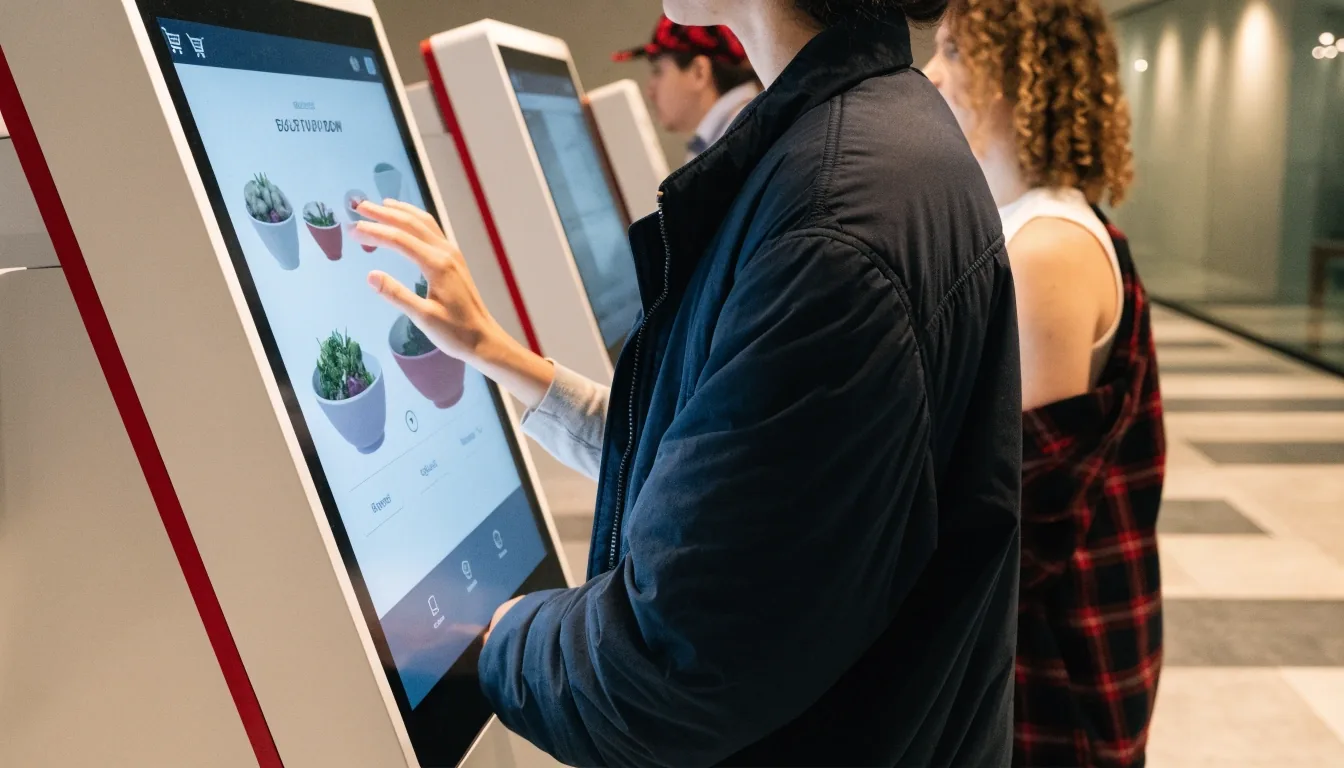
Kiosk placement keeps the queue clear of the pickup shelf, so hot food is picked up without a detour.
Kiosks for quick service
Self-order kiosks help lunch lines move. We set menu images, combo prompts and payment steps, and a small space often does well with one kiosk plus a terminal.
Kitchen gear that survives heat
Kitchen display screens replace paper rails where heat and noise kill slips. Bump bars, routing by station and color timing keep fry, grill and salad in sync. Where screens do not fit, we keep impact printers with spare paper.
Expo view
Expo gets a clear all-day view of every open ticket, so plates leave the pass in the order the rail says.
Network & power
Hardware fails because of network, not software
POS hardware fails most often due to network, not software. We check router placement, access points, Ethernet runs and backup power before we call an install finished.
-
Router placement
We look at where the router sits relative to the pass, the bar and the walk-in. Access points follow the rooms where handhelds actually work.
-
Ethernet runs
Fixed stations get a wired run where the run is possible. Wireless is fine for a handheld, not for a counter that takes every card.
-
Backup power
Uninterruptible power on the counter terminal and the KDS so a dip on the block does not drop the middle of a ticket.
-
Offline mode tested
We run offline-mode order taking with the internet unplugged. Managers learn what queues locally and what syncs once the line is back.
Everything above is walked with you in the room, not handed over as a document.
What we leave behind
A clean pass, not a box of spare parts
- Labeled devices
- Every terminal, handheld and KDS carries the station it belongs to, on the case.
- Spare cables
- One spare of each cable in use, stored where the manager can find it during service.
- Network map
- Where each access point, switch and run lives, so the next change is quick.
- One-page fix guide
- The few things your team can try before they call, written plainly and taped inside the pass.
- Remote monitoring
- Steps for national clients who run the same kit across more than one location.
- Follow-up visit
- A visit or call after your first weekend to adjust mounts, volume and screen brightness.
Straight questions
Hardware questions we hear first
Something not covered here? Send it over before you commit to a kit, and we will answer it against your floor plan rather than a generic list.
Ask a hardware questionWhat hardware do I need to open on Toast?
A counter terminal, handhelds, kitchen display or printer, cash drawer and readers cover most openings. Bars and quick service add units based on volume, which is where the floor plan and the rush hour actually matter.
Can I reuse old tablets or printers?
Sometimes. We test compatibility and tell you what is worth keeping. Network gear often needs an upgrade for stable tableside payments, and we would rather say that on the survey than at 7pm on a Friday.
Do I have to be in Miami for on-site installation?
No. Miami restaurants can request on-site installation, and national clients receive pre-configured kits with guided setup over a call. Either way, the kit arrives staged and labeled.
What if a device drops during dinner service?
You fall back to offline mode. We test it with you before launch, and the one-page fix guide lists the first few things your manager can check, so a wobbly cable does not turn into a lost table.
Ready when your counters are
Book an installation survey, then get a hardware list built for your room
We walk the floor, count the stations, and tell you which Toast hardware each one needs — and which one it does not. Nothing is ordered until that list is agreed.
Where the kit lands
Toast Agent · 1200 Brickell Ave, Suite 1950
Miami, FL 33131, USA
Monday to Friday · 9:00 AM – 6:00 PM